Physical Address
304 North Cardinal St.
Dorchester Center, MA 02124
Physical Address
304 North Cardinal St.
Dorchester Center, MA 02124

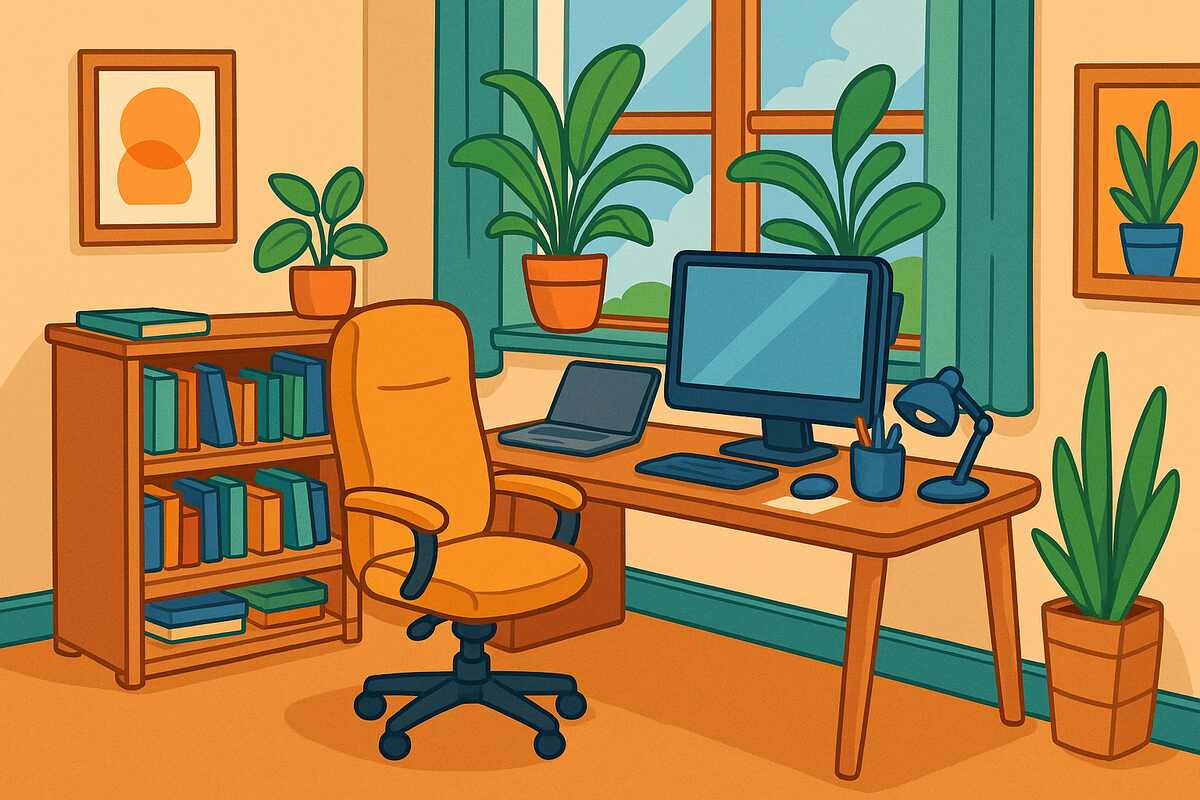

Working from home has become the new normal for millions of professionals. But while remote work offers freedom, a poorly designed home office can sap your productivity, focus, and even your health. According to the Mayo Clinic, an ergonomic workspace reduces strain on your body and helps prevent long-term health issues like back pain, eye strain, and carpal tunnel syndrome.
A thoughtfully designed office doesn’t just keep you comfortable—it fuels creativity, boosts efficiency, and improves your overall work-life balance. Here are five creative and comfortable home office setup ideas to inspire your remote work space.
Ergonomics should be the foundation of any home office. A well-structured workspace prevents injury and keeps you productive over long stretches.
Essentials for an ergonomic office:
Bonus tip: Add a footrest or anti-fatigue mat for extra comfort when sitting or standing.
Takeaway: Comfort fuels focus. Investing in ergonomics pays off in long-term health and productivity.
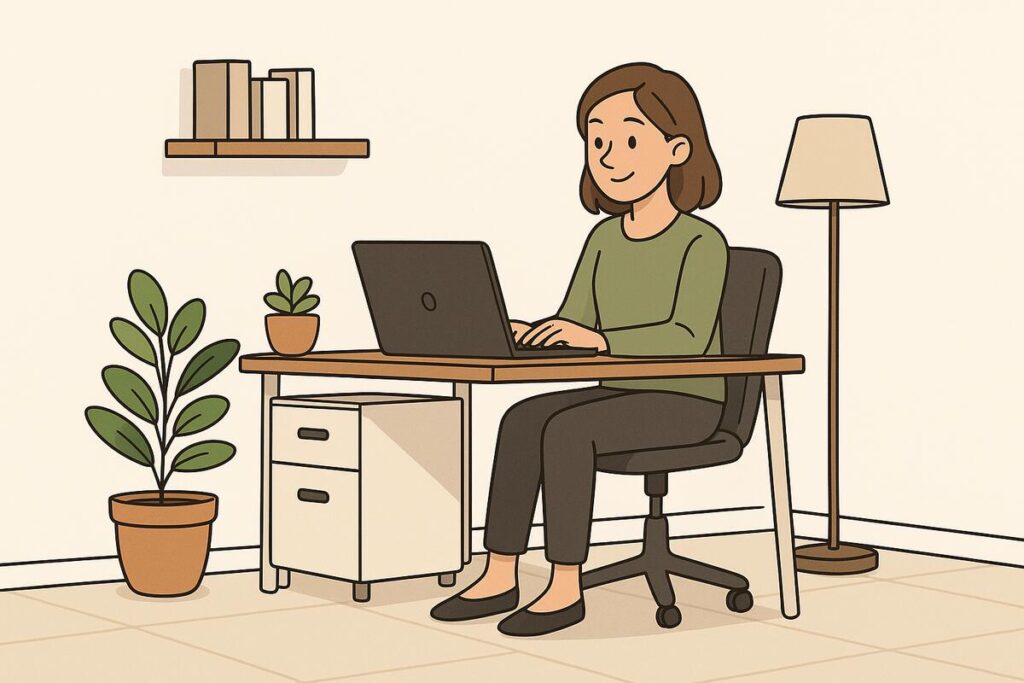
A cluttered environment creates a cluttered mind. Minimalist setups emphasize simplicity and calm.
How to create your Zen zone:
Example: A designer in New York swapped out her bulky desk for a sleek wood surface, added a small succulent, and noticed her stress levels drop dramatically.
Takeaway: Simplicity helps reduce distractions and promotes mindfulness.
If your work thrives on inspiration whether writing, design, or marketing home office should spark creativity.
Ways to design a creative studio:
Case Example: Alex, a freelance illustrator, covered his office wall with whiteboard paint. It became his go-to canvas for brainstorming and sketching.
Takeaway: Surrounding yourself with creative cues encourages innovation and energy.
For remote professionals who rely heavily on technology, a smart and connected setup ensures maximum efficiency.
Tools for a command center:
Pro Insight: According to Harvard Business Review, investing in the right tech tools is one of the top ways to make remote work sustainable long term.
Takeaway: A strong tech infrastructure supports smoother workflows and fewer frustrations.

Sometimes, productivity thrives in cozy, personalized spaces that feel inviting rather than corporate.
Ideas for your comfort nook:
Example: Maria, a remote project manager, set up her desk in a sunny corner with soft curtains and a reading lamp. She reports feeling calmer and more balanced during long workdays.
Takeaway: Comfort promotes focus when you enjoy your workspace, you’ll want to spend time there.
Beyond the five main setups, here are extra strategies to level up your workspace:
Jenna, a freelance writer, used to work from her kitchen table. She often struggled with back pain and distraction. After creating a hybrid setup a minimalist desk with ergonomic seating, a few plants, and a vision board she noticed not only fewer aches but also a surge in creative flow. Her income grew as her productivity soared.
| Setup Style | Best For | Key Features | Drawback |
|---|---|---|---|
| Ergonomic Powerhouse | Long work hours | Adjustable chair, sit-stand desk, monitor at eye level | Higher upfront investment |
| Minimalist Zen Zone | Stress reduction | Clean desk, neutral colors, plants | May feel too sparse |
| Creative Studio | Inspiration seekers | Bold colors, art, creative tools | Can get cluttered |
| Tech-Savvy Command Center | Tech-heavy jobs | Multiple monitors, docking station, smart devices | Requires significant equipment |
| Comfort-First Nook | Cozy productivity | Comfy chair, soft lighting, natural light | Less formal, may lack structure |
1. How much should I spend on a home office setup?
It depends on your needs. Basic ergonomic setups can start at $300–$500, while tech-heavy command centers may run into the thousands.
2. What’s the single most important investment?
An ergonomic chair. Your body will thank you for it during long work sessions.
3. Do I need a dedicated room for a home office?
Not necessarily. A small corner or nook can be effective if designed thoughtfully.
4. How do I keep my workspace clutter-free?
Use storage boxes, cable organizers, and adopt a weekly cleaning habit.
5. Can lighting really impact productivity?
Yes. Natural light boosts mood and focus, while warm artificial lighting reduces strain during evenings.
Your home office should be more than just a desk and chair—it’s the foundation of your productivity, creativity, and well-being. Whether you choose an ergonomic powerhouse, a minimalist Zen zone, a creative studio, a tech-savvy command center, or a comfort-first nook, the right setup can transform your work-from-home experience.
Take inspiration from these five creative and comfortable ideas and tailor them to your personal needs. A well-designed workspace is not a luxury—it’s an investment in your success.
If this article gave you useful home office inspiration, share it with your fellow remote workers and explore more design tips on our blog.