Physical Address
304 North Cardinal St.
Dorchester Center, MA 02124
Physical Address
304 North Cardinal St.
Dorchester Center, MA 02124
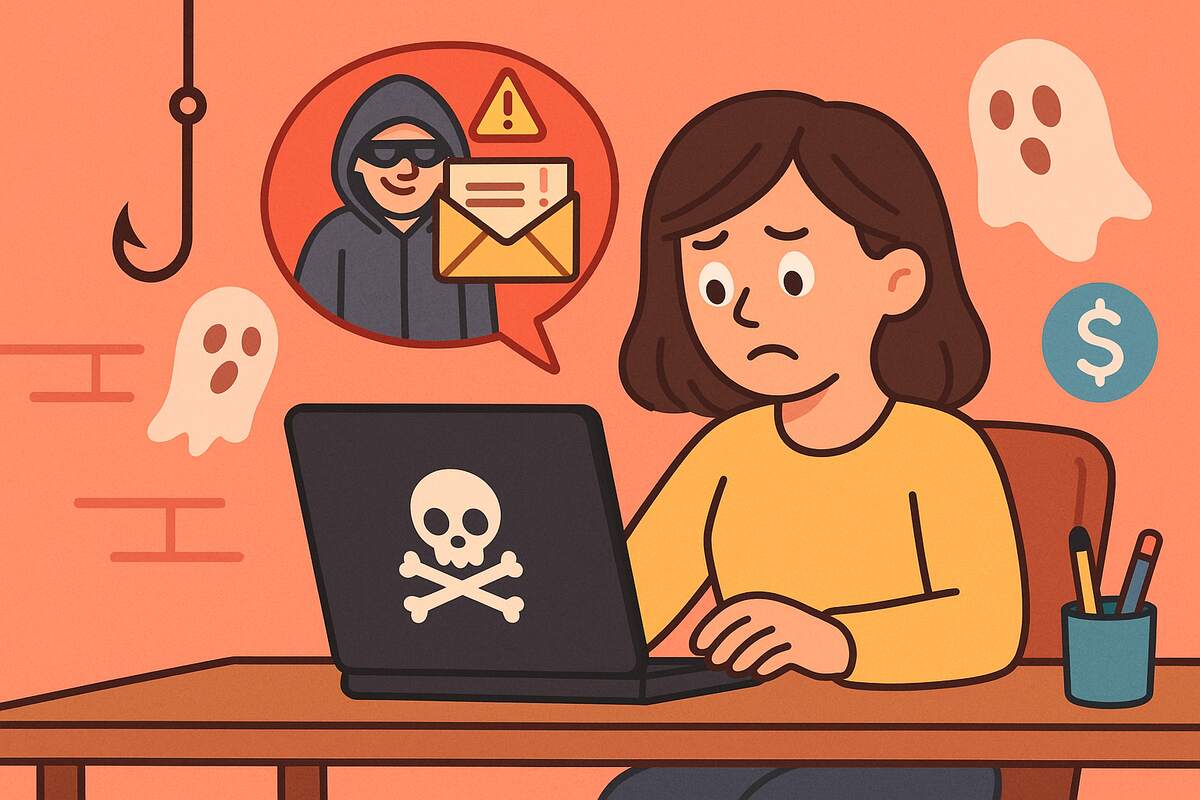
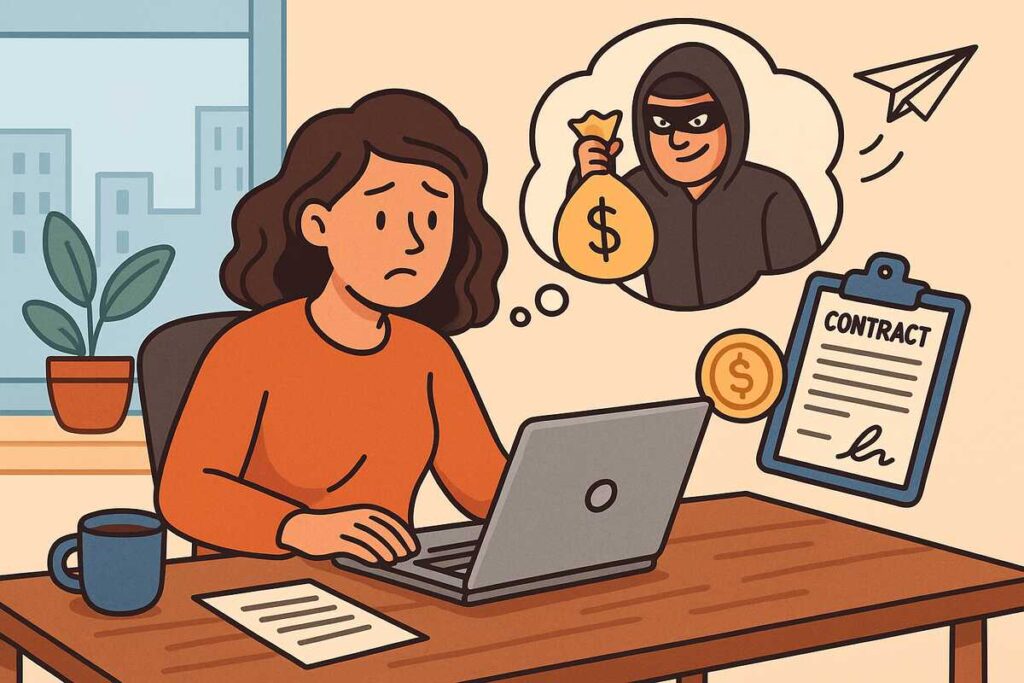
Freelancing in 2025 offers incredible opportunity, flexibility, global clients, and the ability to design your work-life balance. But as the freelance economy expands, so does something far darker: sophisticated scams targeting independent workers.
And these scams aren’t random. They are engineered to exploit what freelancers value most: remote work, fast payments, and digital communication. According to a 2024 Harvard Business Review analysis, cyber-enabled freelance scams increased by 31% in just one year, largely because scammers now mimic legitimate clients more convincingly than ever.
Whether you’re a veteran freelancer or just starting out, understanding these tactics is essential. This guide reveals the 8 most dangerous scams targeting freelancers in 2025, how they work, and how to protect yourself.
Best for: Awareness of a scam that continues to target both new and experienced freelancers.
This is one of the oldest freelance scams and still one of the most successful.
Example: A graphic designer received a $3,000 payment for a $700 logo project and was told to refund the difference. The transfer reversed days later.
Takeaway: Legit clients never overpay.
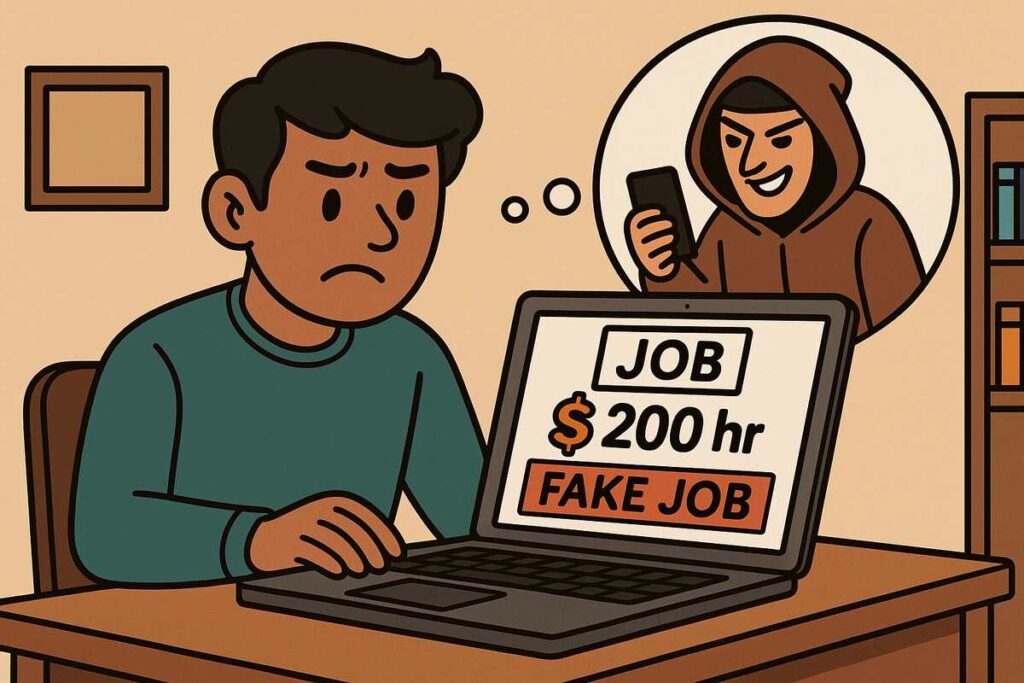
Fake listings increased dramatically in 2024 across major platforms.
Reference: The Federal Trade Commission warns that fraudsters often impersonate real companies.
Takeaway: Stay on the platform until a contract is secured.
Freelancers are asked to produce free samples under the guise of an application.
Example: A writer submitted a 1,200-word article as a trial. It was published on the company’s site without payment.
Takeaway: Free custom work = unpaid labor.
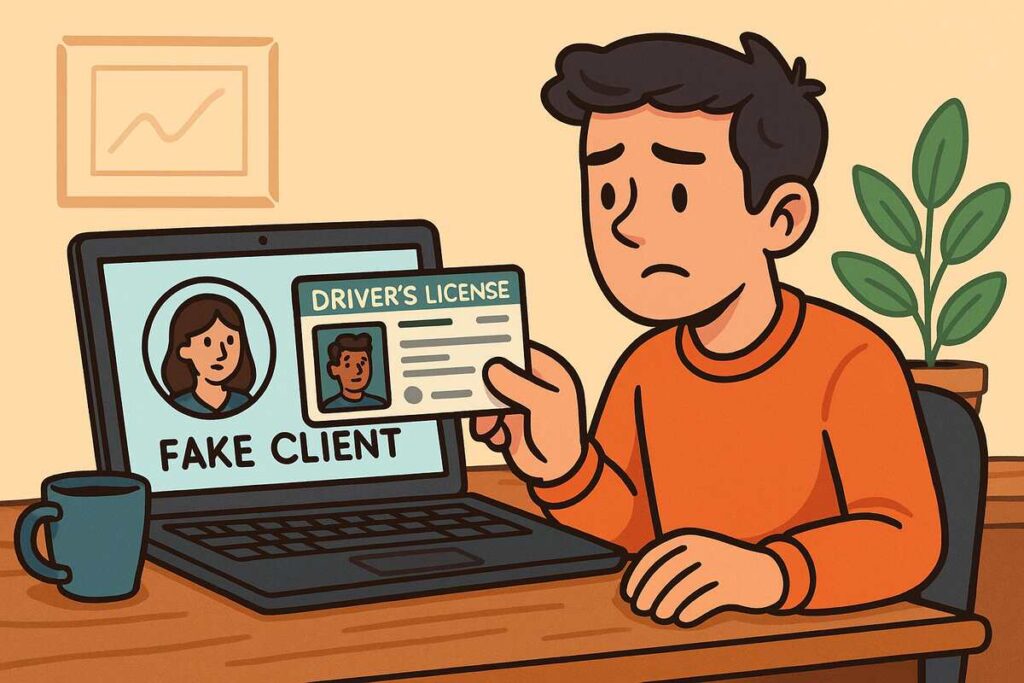
Some scammers aim not for money but for your personal data.
Red Flags
Research Insight: The Cleveland Clinic explains how personal information is increasingly targeted through digital work platforms.
Takeaway: Never send ID without a legal contract.
When a platform protects transactions, scammers try to avoid it.
Example: A web developer delivered an entire site, only to discover the client vanished after receiving the final files.
Takeaway: If they insist on off-platform payment, it’s not a client, it’s a scammer.
This scam is more common than ever as cloud storage becomes standard.
Reference: The Cybersecurity & Infrastructure Security Agency reports rising malware events linked to freelance and gig workers.
Takeaway: Scan all files before opening.
Not all scams are technical some are psychological.
Example: A social media consultant was told to “purchase required tools” to begin a project, tools sold by the scammer.
Takeaway: Professional clients don’t rush emotional closeness.
One of the fastest-growing scams in 2025.
Reference: The FTC scam alerts highlight fake job-related fee scams as a top U.S. complaint category.
Takeaway: No real job requires you to pay to be hired.
David, a video editor, accepted a “high-budget urgent project.” The client insisted he buy their required editing software. The payment link looked professional, and the fake company profile was convincing.
He purchased it and never heard from them again.
Lesson: Scammers deliberately mimic legitimate business behavior.
| Behavior | Legitimate Client | Scammer |
|---|---|---|
| Payment requests | Never before work | Often upfront or unusual |
| Communication | Professional, stable | Rushed, emotional, inconsistent |
| File sharing | Safe formats, transparent | Suspicious files or links |
| Contracts | Clear and documented | Avoided or vague |
| Verification | Easy to confirm | Hard or impossible |
1. How can I verify if a client is legitimate?
Check email domains, LinkedIn profiles, and company websites. Look for consistency.
2. Should I ever work without a contract?
No, contracts protect you legally and financially.
3. Is it safe to move off-platform at the client’s request?
Only after building trust, securing a contract, and confirming their identity.
4. Are scam attempts more common for beginners?
Yes, new freelancers are targeted more frequently because they lack experience.
5. What should I do if I suspect a scam?
Stop communication immediately and report the user on the platform.
Freelancing offers incredible freedom but also requires strong digital self-defense. By recognizing the warning signs, using secure platforms, and trusting your instincts, you can protect your income, your identity, and your peace of mind.
If this guide helped you stay safer online, share it with your freelance community or explore more freelancer protection tips on our blog.