Physical Address
304 North Cardinal St.
Dorchester Center, MA 02124
Physical Address
304 North Cardinal St.
Dorchester Center, MA 02124

Hybrid Work Productivity depends on having the right systems in place as hybrid work becomes the dominant model for modern professionals. Employees now split time between home offices, corporate spaces, cafés, and coworking hubs. While this flexibility offers freedom, it also introduces new productivity challenges, including fragmented communication, constant context switching, unclear boundaries, and tool overload.
Research from McKinsey & Company shows that hybrid work can increase productivity, but only when supported by the right systems and tools. Without intentional structure, hybrid setups often reduce focus and collaboration instead of improving them.
This article breaks down seven essential tools every modern professional needs to stay productive, organized, and competitive in a hybrid work environment.
Hybrid work is neither fully remote nor fully in-office. That in-between reality requires tools that support:
According to insights from Harvard Business Review, professionals who standardize their hybrid workflows outperform those who rely on ad-hoc systems.
The right tools reduce friction, protect attention, and create consistency, regardless of location.
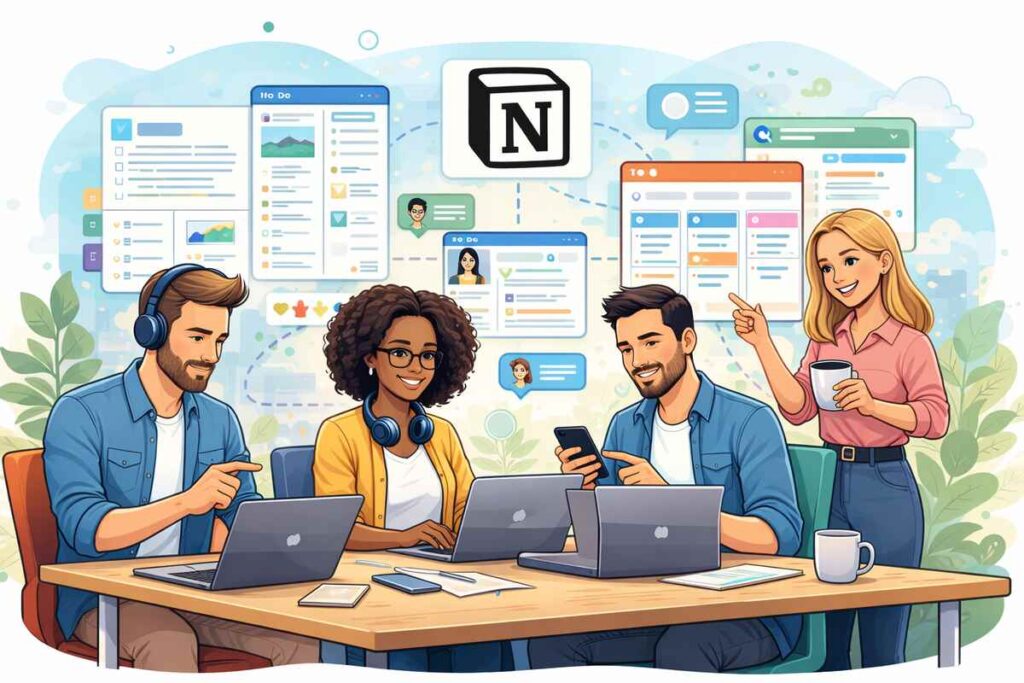
Notion acts as a centralized operating system for hybrid professionals.
It combines documentation, task tracking, project planning, and team collaboration into a single workspace. Product analysis from Notion highlights its flexibility for both individual contributors and teams.
Why it’s essential:
Best for:
Notion creates clarity where hybrid work often creates chaos.
Hybrid teams need fast, contextual communication.
Slack enables real-time and asynchronous messaging while reducing reliance on long email chains. Workplace communication studies from Slack show faster decision-making and improved transparency in hybrid environments.
Key benefits:
Best for:
Slack keeps conversations organized instead of buried.

Scheduling inefficiency is amplified in hybrid work.
Calendly eliminates back-and-forth emails by automating availability, time zones, and meeting buffers. Productivity insights from Calendly show significant time savings for hybrid professionals.
Why it matters:
Best for:
Time coordination should never be a bottleneck.
Hybrid work increases context switching.
Motion uses artificial intelligence to schedule tasks automatically based on deadlines, priorities, and availability. Reviews aggregated by Zapier highlight Motion’s ability to reduce decision fatigue.
Standout features:
Best for:
Motion turns planning into a background process.
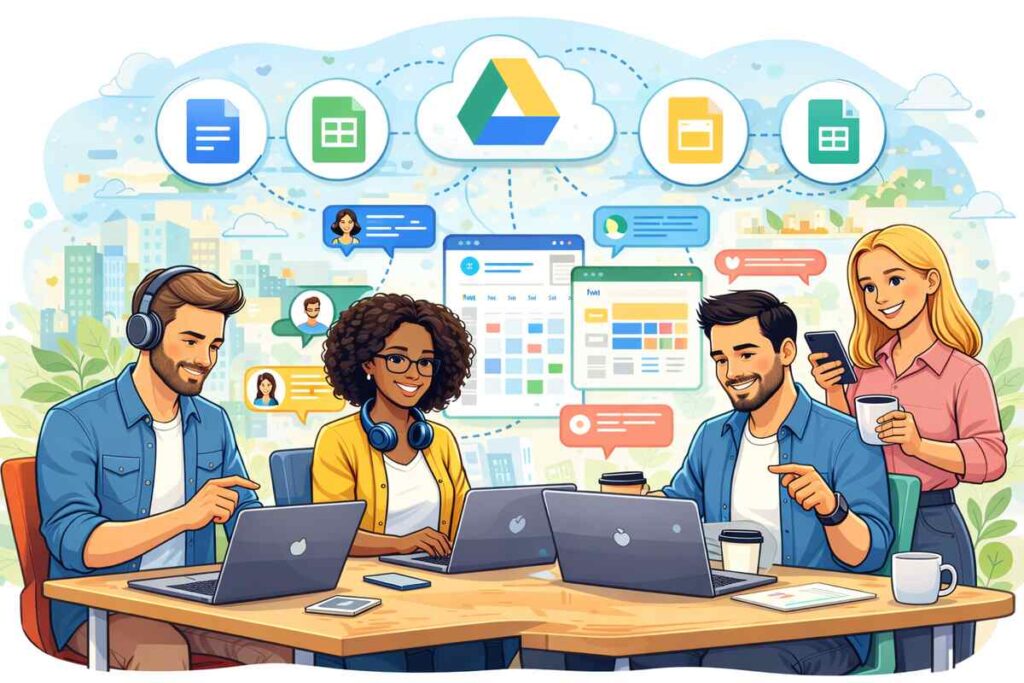
Hybrid teams require shared access to files from anywhere.
Google Drive enables real-time collaboration on documents, spreadsheets, and presentations. Collaboration research from Google Workspace emphasizes improved alignment and version control.
Why it’s critical:
Best for:
Cloud access is non-negotiable in hybrid work.
Face-to-face interaction still matters, just not always in person.
Zoom remains a cornerstone of hybrid collaboration. Workplace communication studies from Zoom show its continued relevance for distributed teams.
Key advantages:
Best for:
Zoom bridges physical distance without complexity.
Not every tool needs to be complex.
Todoist provides simple, reliable task management that travels with you. Productivity analysis from Todoist highlights its effectiveness for personal accountability.
Why it works:
Best for:
Simplicity often beats sophistication.
Avoid tool overload by focusing on:
More tools do not equal more productivity.
Hybrid professionals often struggle because they:
Tools amplify habits, good or bad.
Hybrid work rewards professionals who design systems intentionally. The seven tools outlined here form a powerful foundation for productivity, collaboration, and focus across locations.
When supported by the right tools, hybrid work becomes a strategic advantage rather than a compromise.
Productivity is no longer about where you work, it’s about how well your systems travel with you.