Physical Address
304 North Cardinal St.
Dorchester Center, MA 02124
Physical Address
304 North Cardinal St.
Dorchester Center, MA 02124

Remote work has become a permanent fixture of professional life, but with flexibility comes new risks. In 2025, cyberattacks are smarter, phishing schemes are more personalized, and data breaches are more costly than ever. According to IBM’s Cost of a Data Breach Report 2024, the average cost of a data breach rose to $4.88 million, marking a 10% increase from previous years. For remote professionals and distributed teams, poor cybersecurity habits can lead to devastating financial and reputational losses.
Whether you’re working from a coffee shop, a co-working space, or your home office, maintaining strong remote work security is non-negotiable. The good news? With the right tools and routines, you can protect sensitive data and minimize exposure to online threats.
Here are five must-know tips to keep your data safe and your remote setup secure in 2025.
Best for: Every remote professional handling multiple accounts.
Weak or reused passwords remain one of the most common entry points for cybercriminals. A strong password management strategy is the foundation of remote work security.
Smart Practices:
Example:
Sophia, a freelance designer, switched to using Bitwarden and enabled MFA for her cloud storage accounts. A week later, she received an alert of an attempted login from overseas but her MFA code blocked the breach.
Pro Tip: Use passphrases (a mix of words and symbols) instead of single-word passwords they’re easier to remember and harder to crack.
Research Insight: The National Institute of Standards and Technology (NIST) recommends using password managers and MFA as baseline security measures for all professionals.
Takeaway: Strong authentication is your first and most effective line of defense.
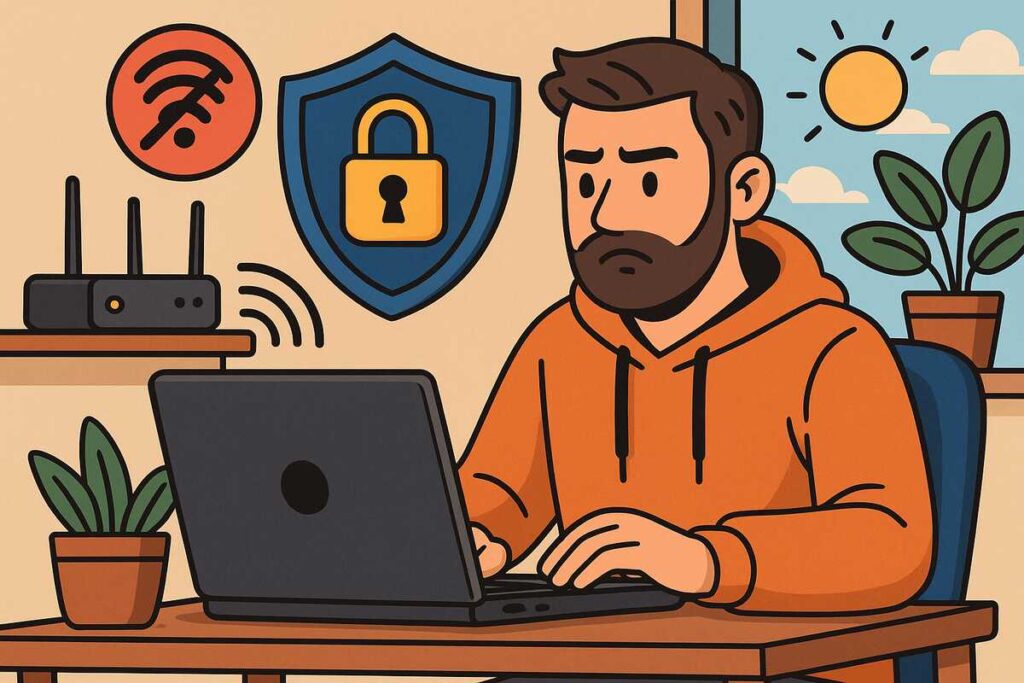
Best for: Remote workers using public or shared networks.
Public Wi-Fi is convenient but it’s a hacker’s dream. Without encryption, attackers can intercept your traffic and capture sensitive information. Protecting your connection is crucial when working outside your home.
Smart Practices:
Example:
Ethan, a remote IT specialist, discovered unauthorized devices on his home network. After switching to WPA3 encryption and setting up a guest network, the issue disappeared completely.
Pro Tip: Consider investing in a secure router with built-in VPN and firewall features for maximum protection.
Research Insight: The Cybersecurity & Infrastructure Security Agency (CISA) emphasizes encrypting all wireless traffic and using VPNs to prevent data interception.
Takeaway: Treat your Wi-Fi like a digital doorway lock it tight.
Best for: Anyone using multiple devices or cloud-based apps.
Outdated software is one of the top causes of data breaches. Cybercriminals exploit unpatched vulnerabilities in operating systems, browsers, and apps to infiltrate your devices.
Smart Practices:
Example:
Lena, a content manager, postponed system updates for months. A malware infection later exploited her outdated operating system. After reinstalling and enabling auto-updates, her company avoided further compromise.
Pro Tip: Use centralized update tools like Heimdal Patch Management for business devices or Ninite Pro for personal systems.
Research Insight: Microsoft’s Security Intelligence Report shows that 70% of ransomware incidents originate from unpatched systems.
Takeaway: Update today avoid disaster tomorrow.
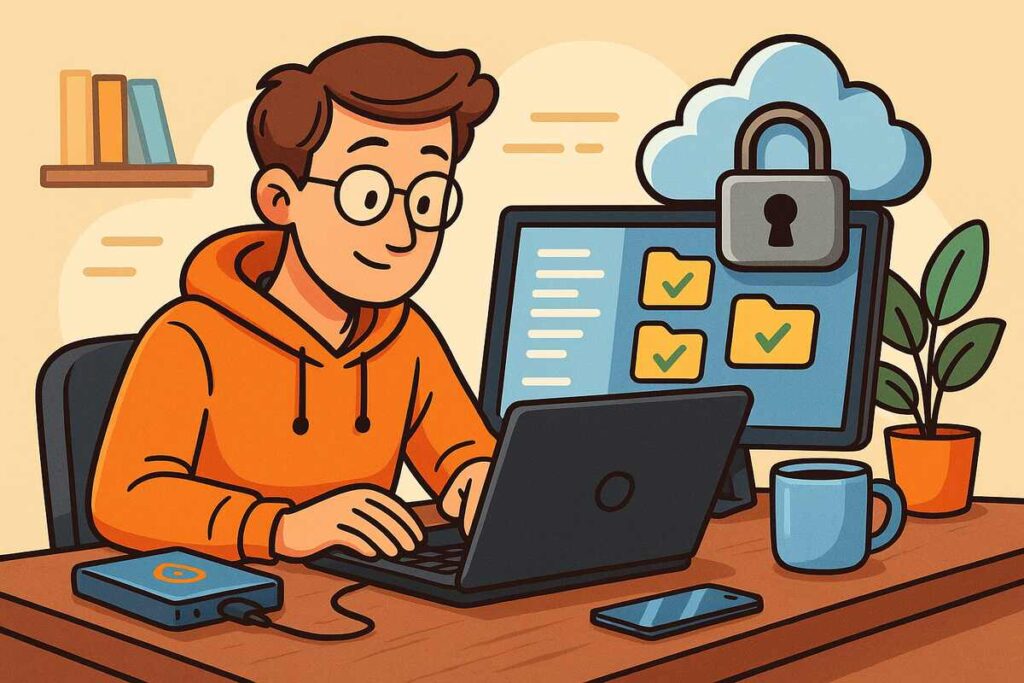
Best for: Freelancers and teams sharing files remotely.
Storing and sharing data in the cloud is convenient but risky if not encrypted. End-to-end encryption ensures only you and your recipients can access your files.
Smart Practices:
Example:
A marketing agency switched from traditional Google Drive sharing to Tresorit. When a phishing attempt targeted a client link, encryption prevented any unauthorized access.
Pro Tip: Follow the 3-2-1 rule: keep 3 copies of your data, on 2 different media types, with 1 offsite backup.
Research Insight: The Harvard Business Review stresses the importance of cloud encryption and redundant backups for remote teams.
Takeaway: Backup isn’t just insurance it’s your business continuity plan.
Best for: Professionals receiving frequent emails or client communications.
Phishing emails are becoming increasingly sophisticated, often mimicking legitimate messages from your bank, employer, or service provider.
Smart Practices:
Example:
Maya almost fell for a fake invoice from what appeared to be her accounting software. Her browser extension flagged it as fraudulent, preventing a costly mistake.
Pro Tip: Run simulated phishing drills for teams using tools like KnowBe4 to improve awareness.
Research Insight: The Federal Trade Commission (FTC) reported that phishing remains the top form of cyberattack, with incidents increasing by 65% year over year.
Takeaway: Awareness is your strongest cybersecurity weapon.
A fully remote marketing startup faced a ransomware attempt after an employee clicked a malicious attachment. Fortunately, they had implemented cloud encryption, daily backups, and VPN-based access control. The attack failed, and no data was lost.
Lesson: Prevention and preparation always cost less than recovery.
| Category | Tool | Primary Function | Estimated Cost (per month) |
|---|---|---|---|
| Password Manager | 1Password | Secure password storage | $3–$8 |
| VPN | ProtonVPN | Encrypted internet access | $5–$10 |
| Cloud Storage | Tresorit | Encrypted file sharing | $12–$20 |
| Anti-Phishing | Guardio | Browser protection | $5–$10 |
| Patch Management | Heimdal Security | Automated updates | $8–$15 |
1. How can I secure my work laptop at home?
Use separate user accounts, enable a firewall, and avoid installing non-work software.
2. Is free antivirus software enough?
Free tools offer basic protection but lack advanced threat detection invest in premium security software.
3. Should I use public Wi-Fi while working remotely?
Only with a VPN. Avoid accessing sensitive files or company databases on public connections.
4. How often should I back up my files?
Weekly for personal projects and daily for business-critical data.
5. What’s the easiest way to detect phishing attempts?
Check for urgency, unfamiliar senders, and links that don’t match legitimate URLs.
In 2025, remote work security isn’t optional it’s essential. The convenience of working from anywhere comes with risks, but awareness, encryption, and automation can drastically reduce your vulnerability.
Whether you’re a freelancer or managing a distributed team, commit to these five cybersecurity habits. By doing so, you’ll protect not just your data but your livelihood.
If this guide helped you strengthen your remote security, share it with your team and explore more digital safety tips on our blog.